Working from home has become the new norm for millions of professionals around the world. Whether you’ve smoothly transitioned or are still adjusting, building a productive home office setup is key to staying focused, motivated, and effective.
From choosing the right desk and chair to managing your time like a pro, this guide covers everything you need to create a comfortable and efficient work from home environment, no matter your budget or space.
⬇️⬇️⬇️
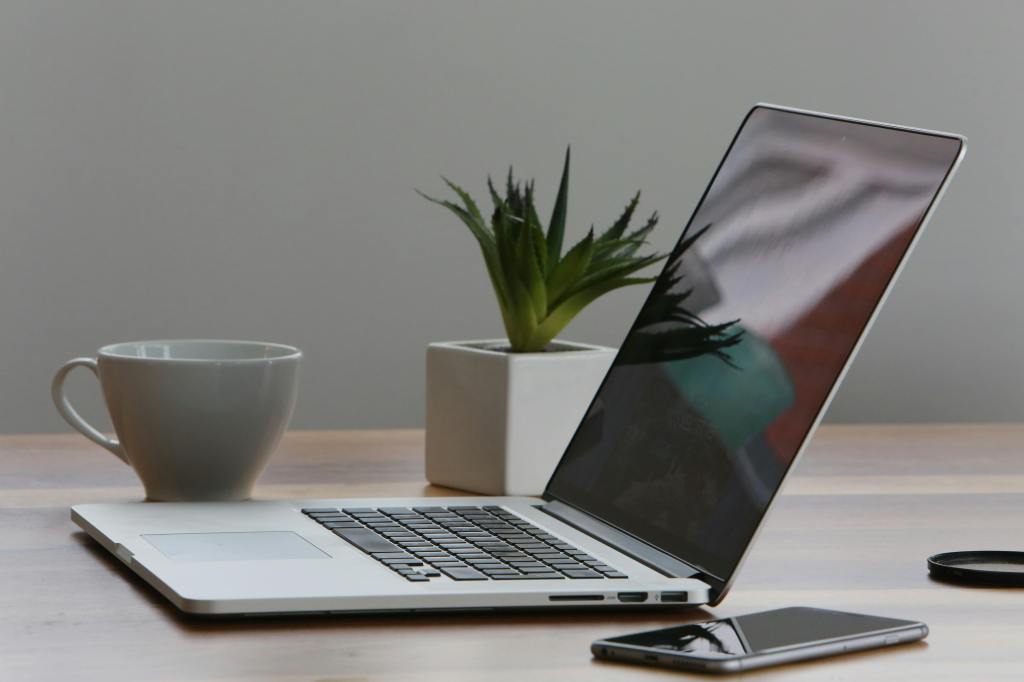
Setting Up the Perfect Home Office Space
Before diving into work, you need a dedicated workspace that minimizes distractions and maximizes focus.
Ideally, your home office should be in a quiet area, preferably a spare room with a door you can close. But even if you’re limited on space, don’t worry. Creative options like converting a guest room, enclosed porch, or even a laundry room can work. No matter where your setup is, make sure the area gets plenty of natural light to boost mood and productivity.
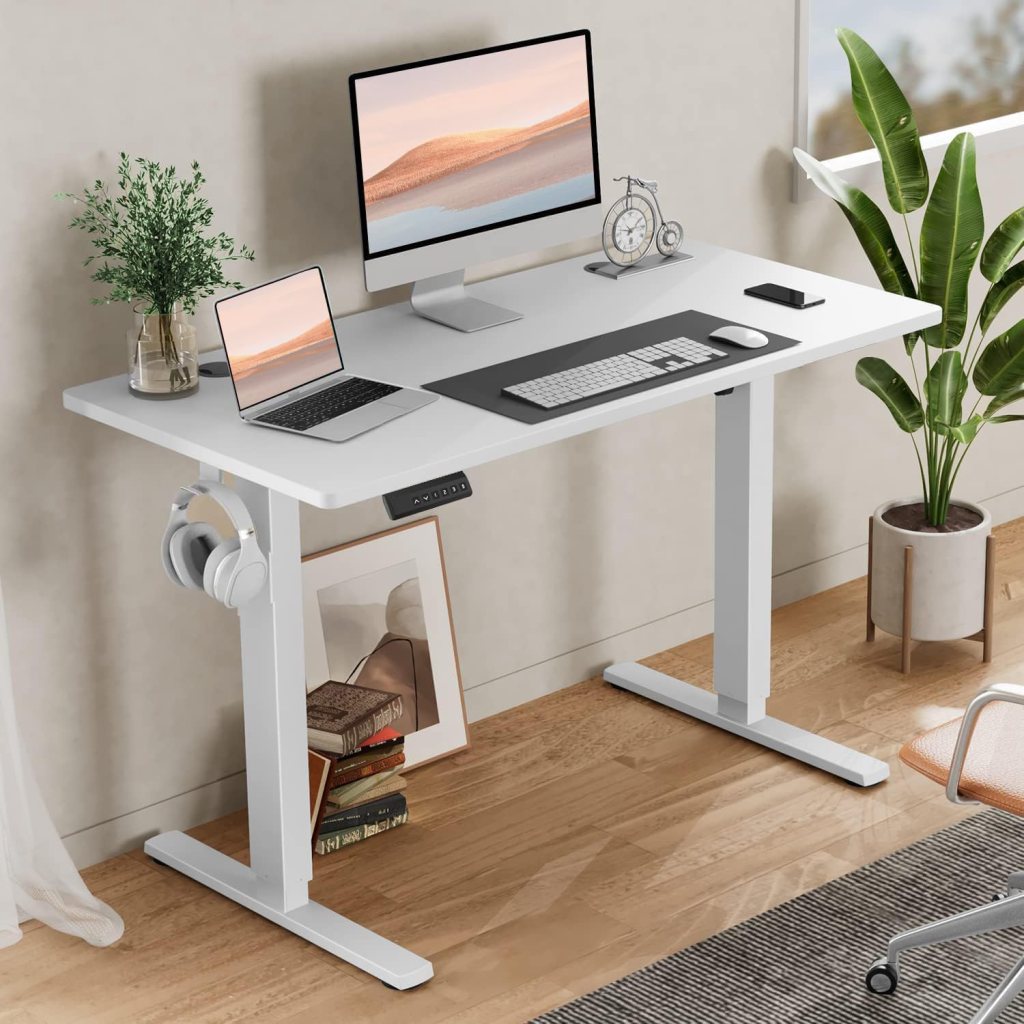
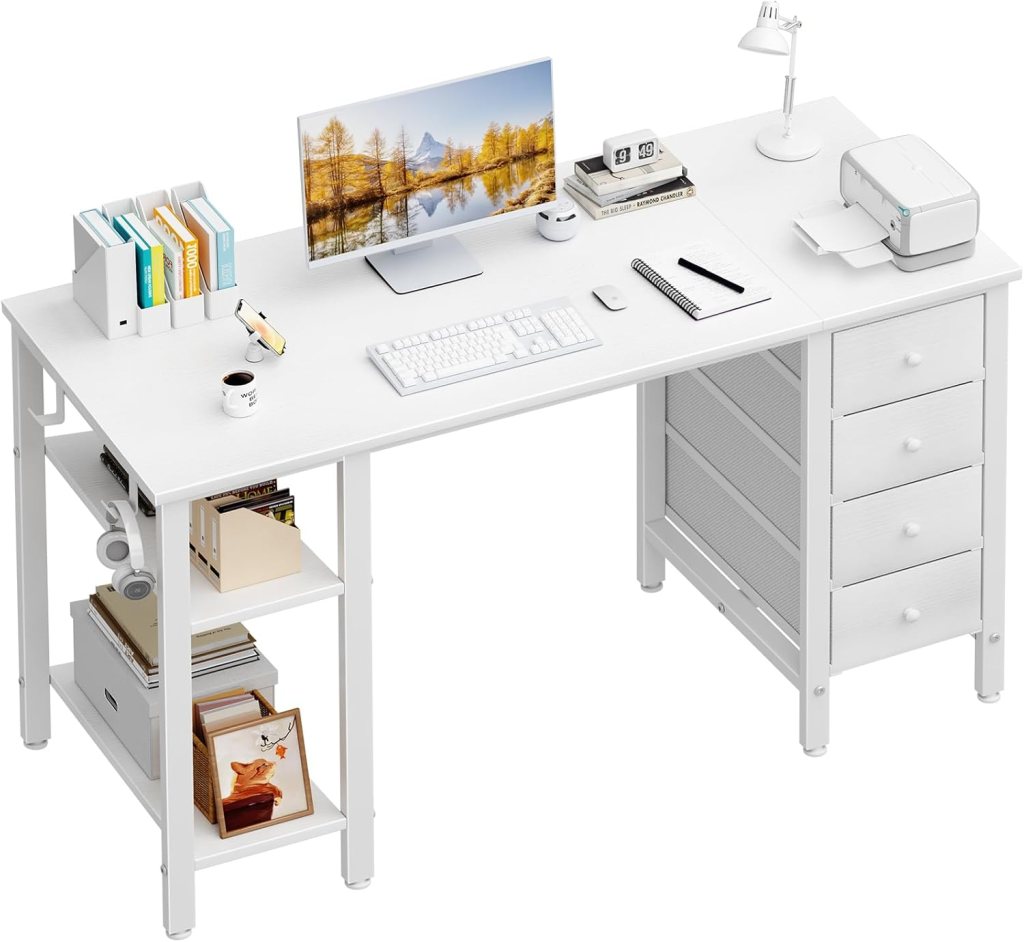
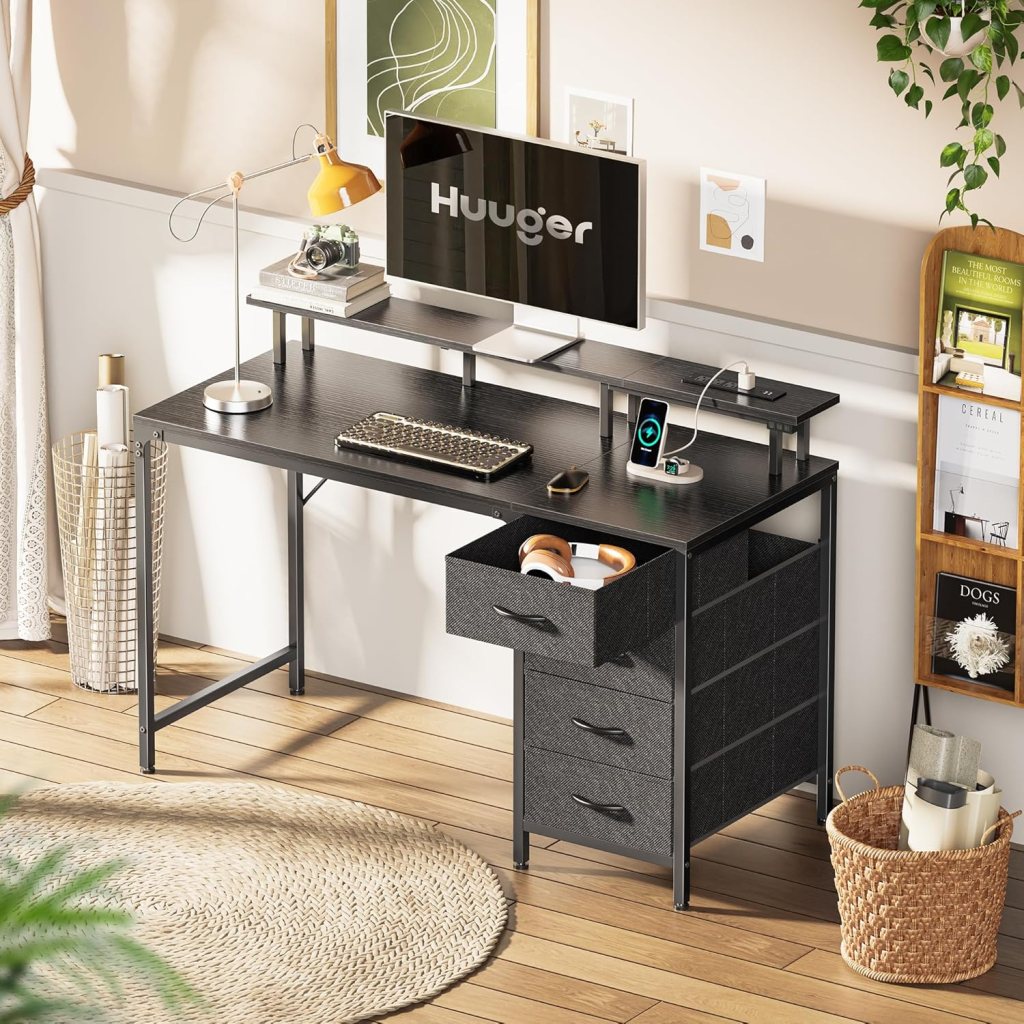
Choosing the Right Desk for Remote Work
The desk is the foundation of your home office. A basic table might work for an hour, but for long workdays, comfort and ergonomics matter.
Key features to look for:
• Standard desk height (about 28–30 inches)
• Enough space for a monitor, keyboard, and accessories
• Adjustable height (optional but useful)
• Comfortable wrist positioning to prevent strain
Bonus tip: Consider a standing desk or sit-stand converter to reduce sitting fatigue throughout the day.
⬇️⬇️⬇️
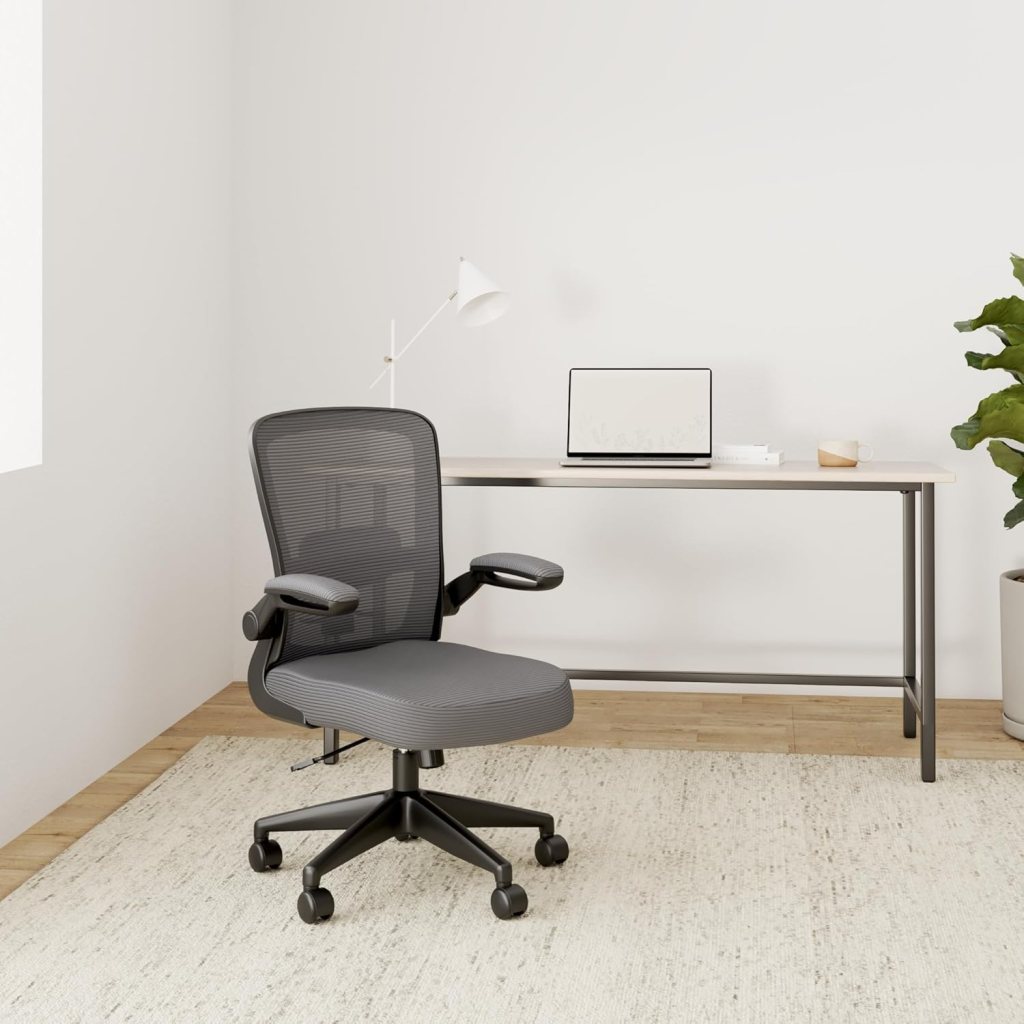
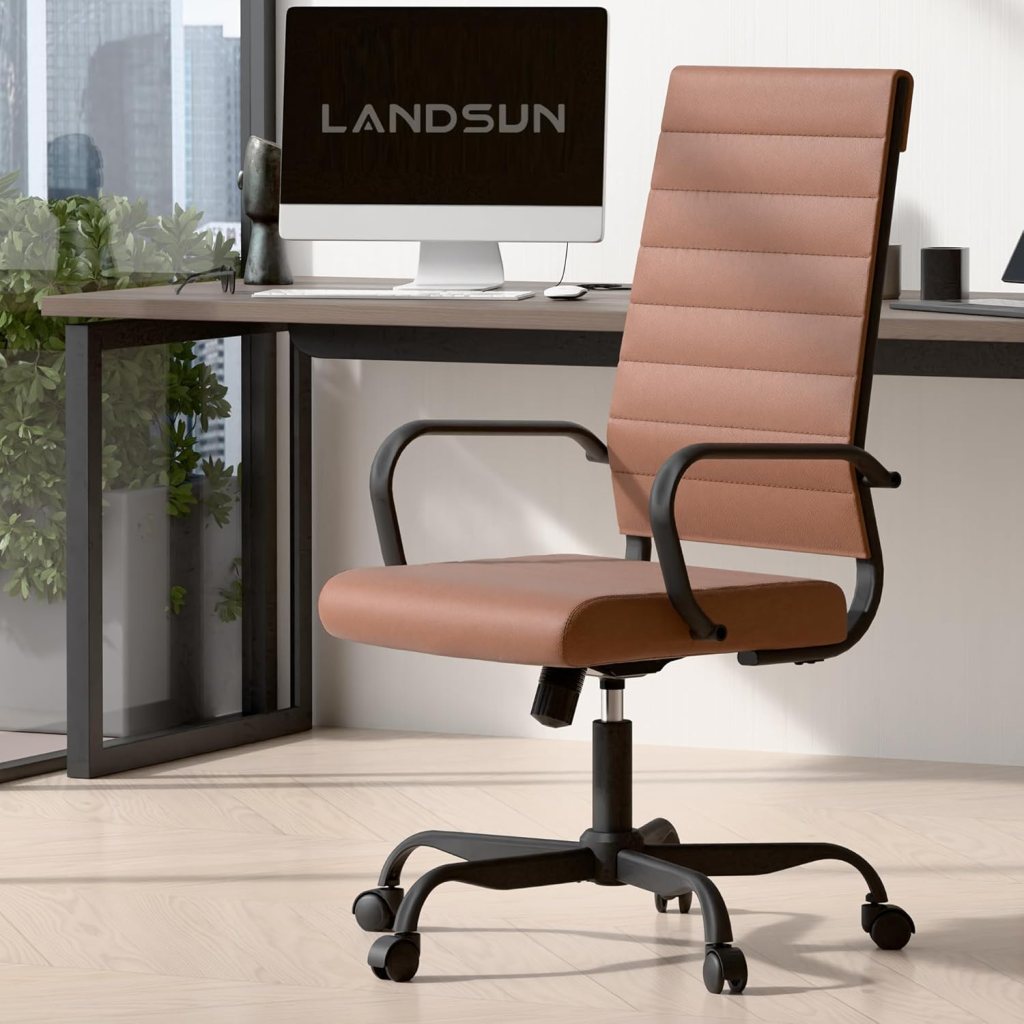
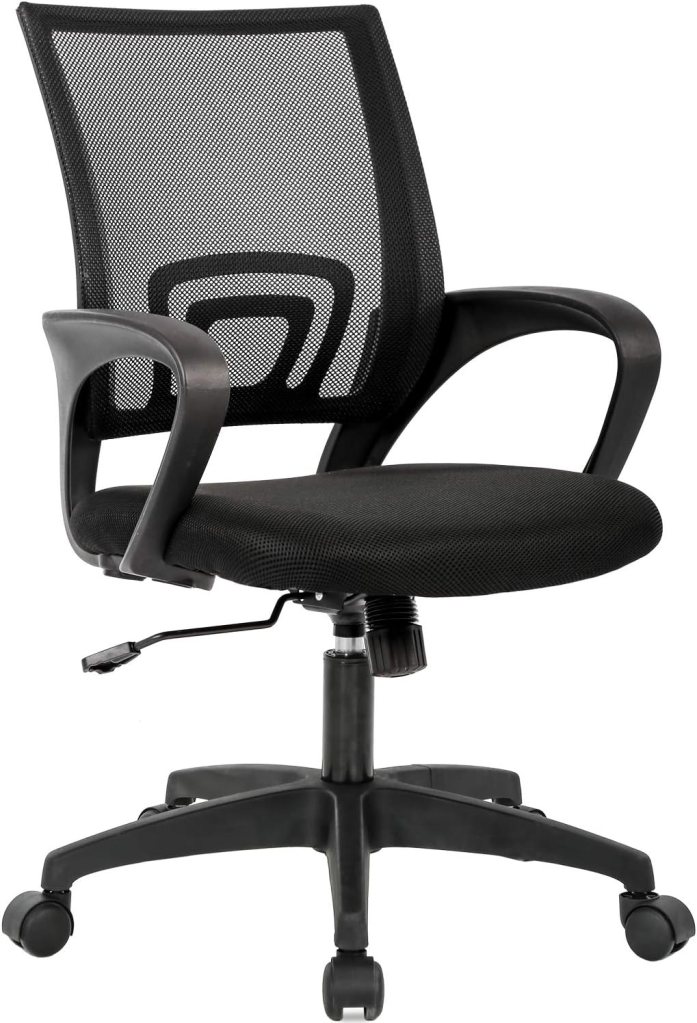
Picking the Best Home Office Chair
Avoid using dining or patio chairs. To maintain good posture and avoid back pain, invest in a supportive ergonomic office chair.
What to look for:
• Adjustable height and armrests
• Lumbar support
• Comfortable seat padding
• Swivel and tilt functions
If you’re on a budget, you can still find affordable chairs with solid reviews. Just make sure it’s built for all day use.
⬇️⬇️⬇️
Must Have Tech: Laptop, Monitor & Accessories
You likely already have a laptop or desktop, but if you’re in the market:
• Aim for at least an Intel i5 processor or equivalent
• Desktops are cost effective, laptops offer flexibility
• Consider a dual monitor setup for multitasking
Recommended specs for a productivity monitor:
• 22–27 inches in size
• Full HD resolution (1080p or higher)
• Multiple input ports (HDMI, USB-C)
To complement your setup:
• Use an external keyboard and ergonomic mouse
• Add a mechanical keyboard for better tactile feedback
• A laptop stand can improve posture and reduce neck strain
⬇️⬇️⬇️
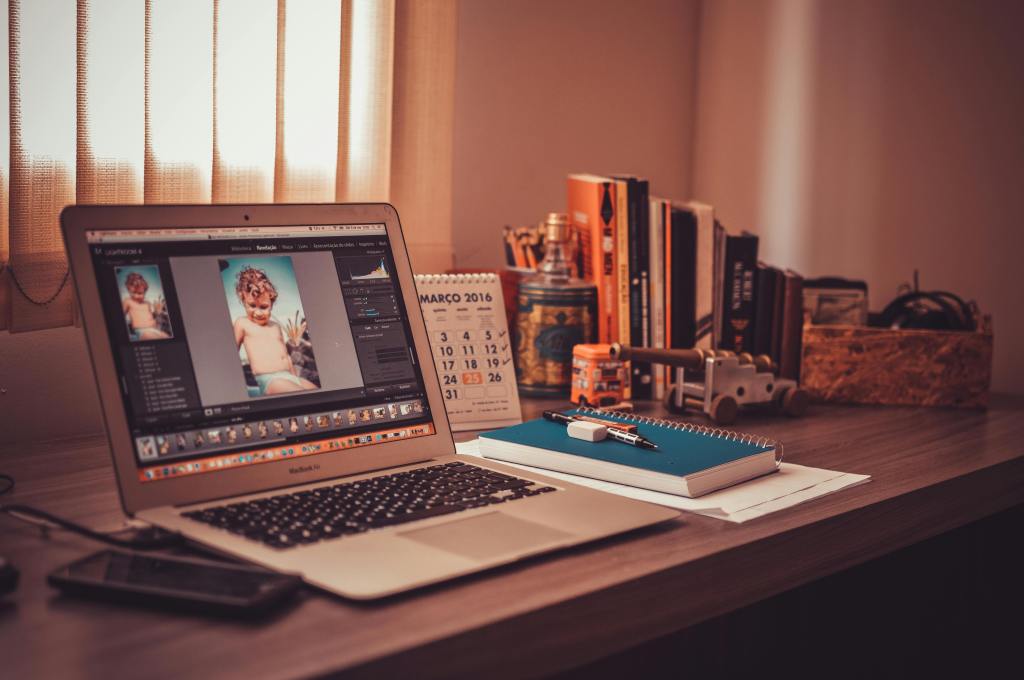
Essential Home Office Accessories
Small additions can make a big difference in comfort and workflow. Consider these home office essentials:
Productivity Boosters:
• Monitor mount: Saves desk space and improves screen position
• USB adaptors/hubs: Essential for connecting external devices
• Webcam: A high quality webcam is key for professional video calls
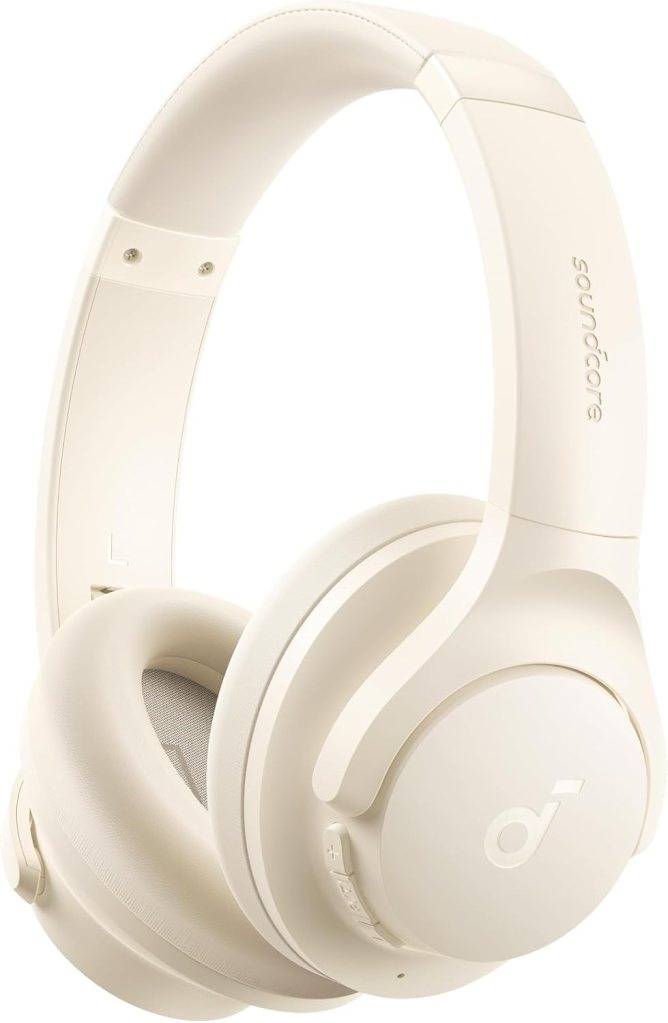
• Noise-canceling headphones: Crucial for staying focused in a noisy home
Organizational Tools:
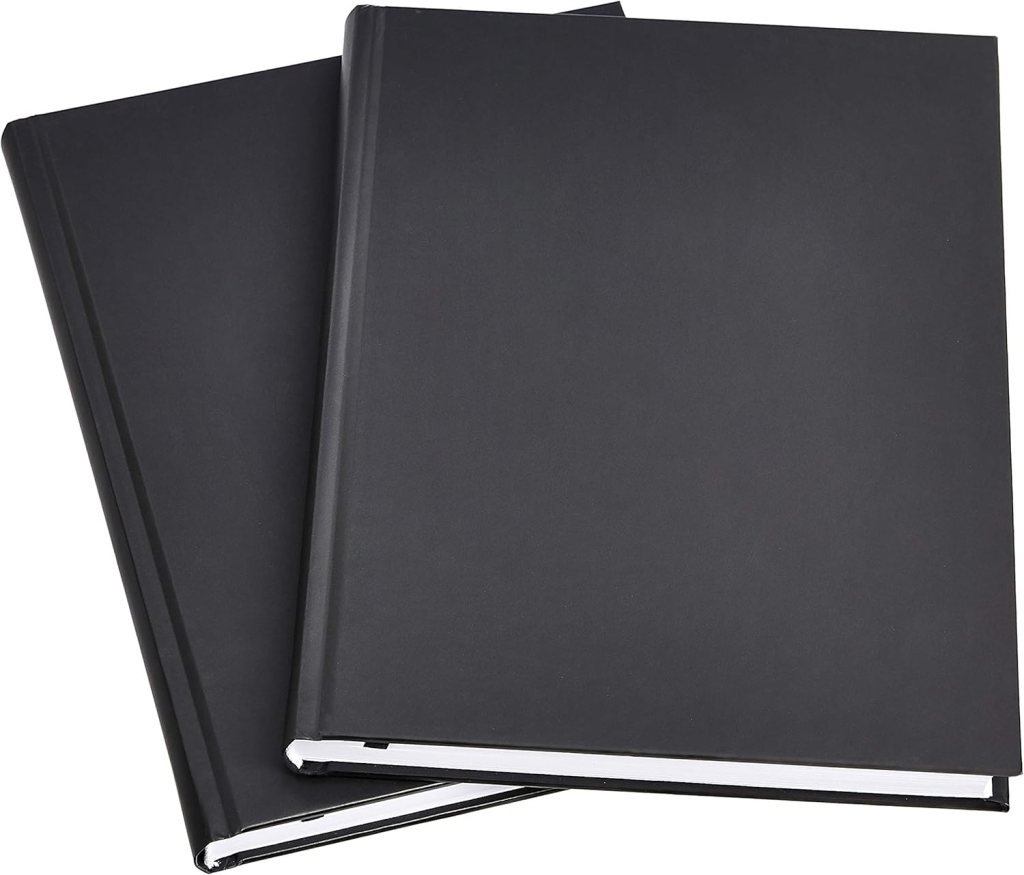
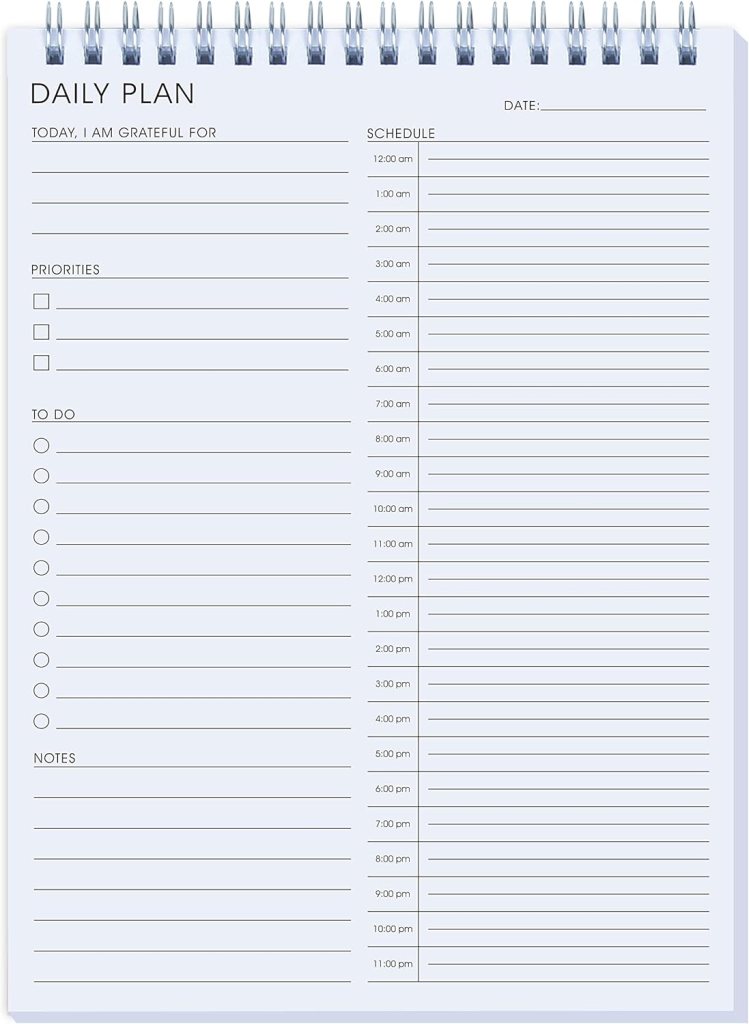
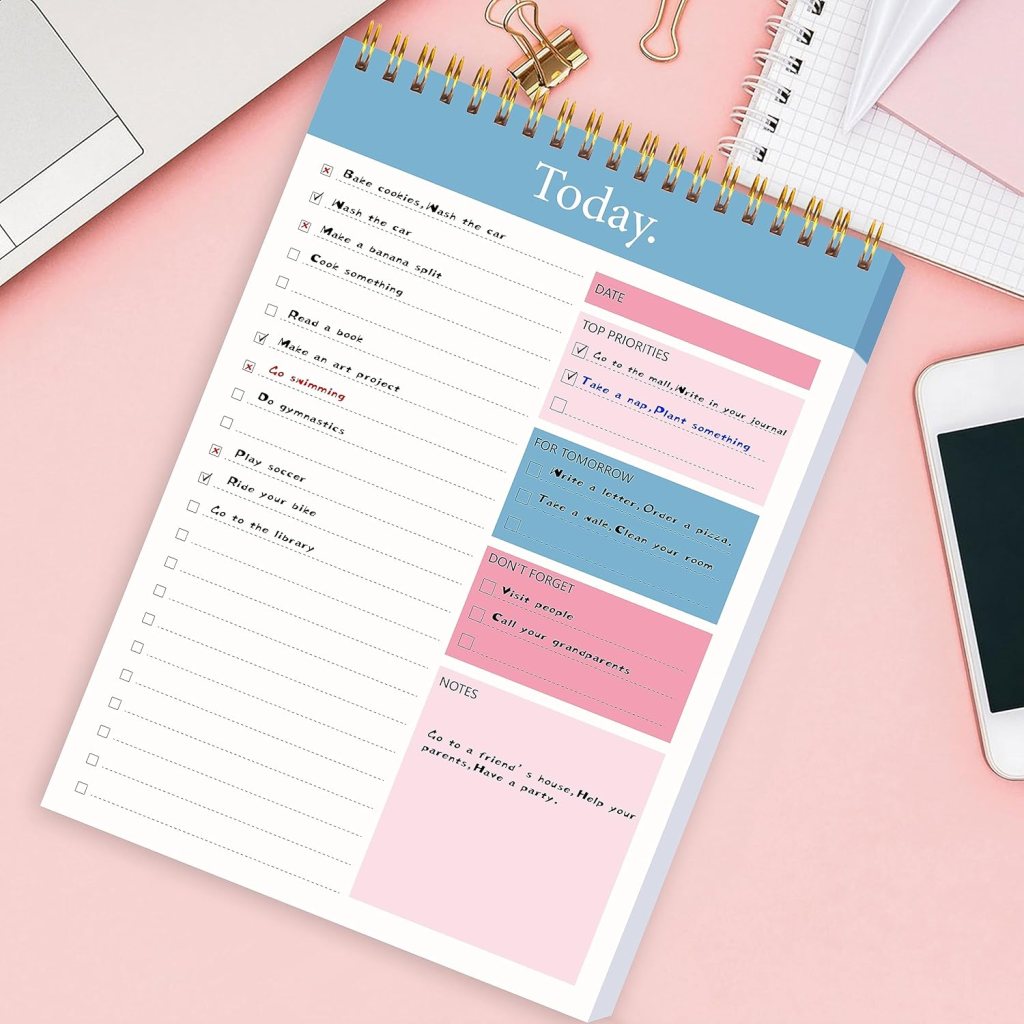
• Notebooks, pens, sticky notes
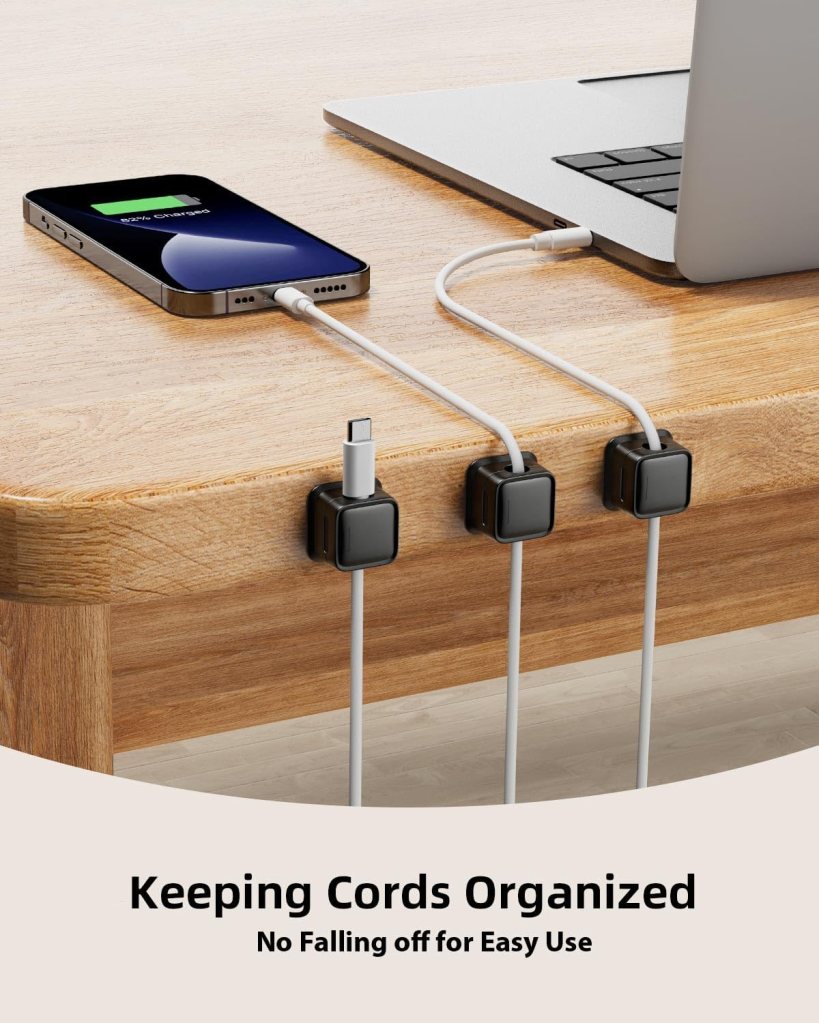
• Cable organizers
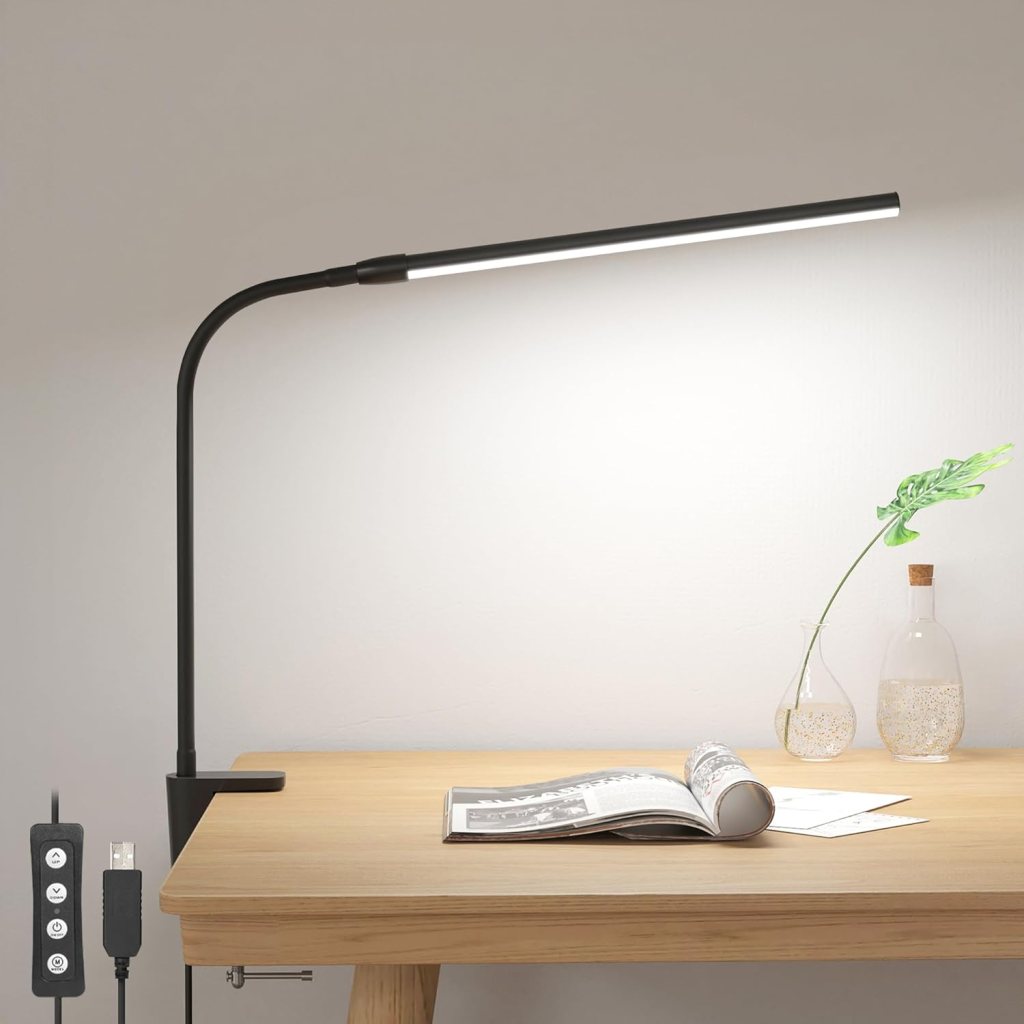
• Desk lamp with adjustable brightness
• Whiteboard or pinboard for quick notes or brainstorming
⬇️⬇️⬇️

Time Management Tips for Working From Home
Once your workspace is optimized, the next step is mastering your daily routine. Remote work offers flexibility, but without structure, productivity can suffer.
1. Create a Daily Schedule
Start your day with a clear plan. Block out time for focused work, breaks, meals, and even more importantly rest. Stick to consistent working hours to create a mental separation between work and home life.
2. Minimize Distractions
Social media and mobile notifications can be a major productivity killer. Use app blockers, enable “Do Not Disturb” mode, or turn off notifications during work blocks.
3. Communicate with Your Manager
Remote work isn’t “one size fits all”. Be transparent about your productivity patterns and, if possible, work during your most efficient hours. This helps set realistic expectations with your team.
4. Set Clear Boundaries
To prevent burnout, “clock out” at the end of your workday. Disable work emails and chat notifications during your personal time. Try to reserve your workstation solely for work, this creates a physical and mental boundary between work and relaxation.
⬇️⬇️⬇️

Closing Thoughts
Creating a functional home office doesn’t require a huge investment, just smart planning. From choosing the right gear to managing your time effectively, a few adjustments can drastically improve your productivity and well-being.
By optimizing your remote work setup, you’ll feel more motivated, more comfortable, and far less distracted. Whether you’re freelancing, working remotely fulltime, or on a hybrid schedule, your home office should support both efficiency and peace of mind.
Bonus: Nice to Have Items for Your Home Office
• Indoor plants: Improve air quality and reduce stress
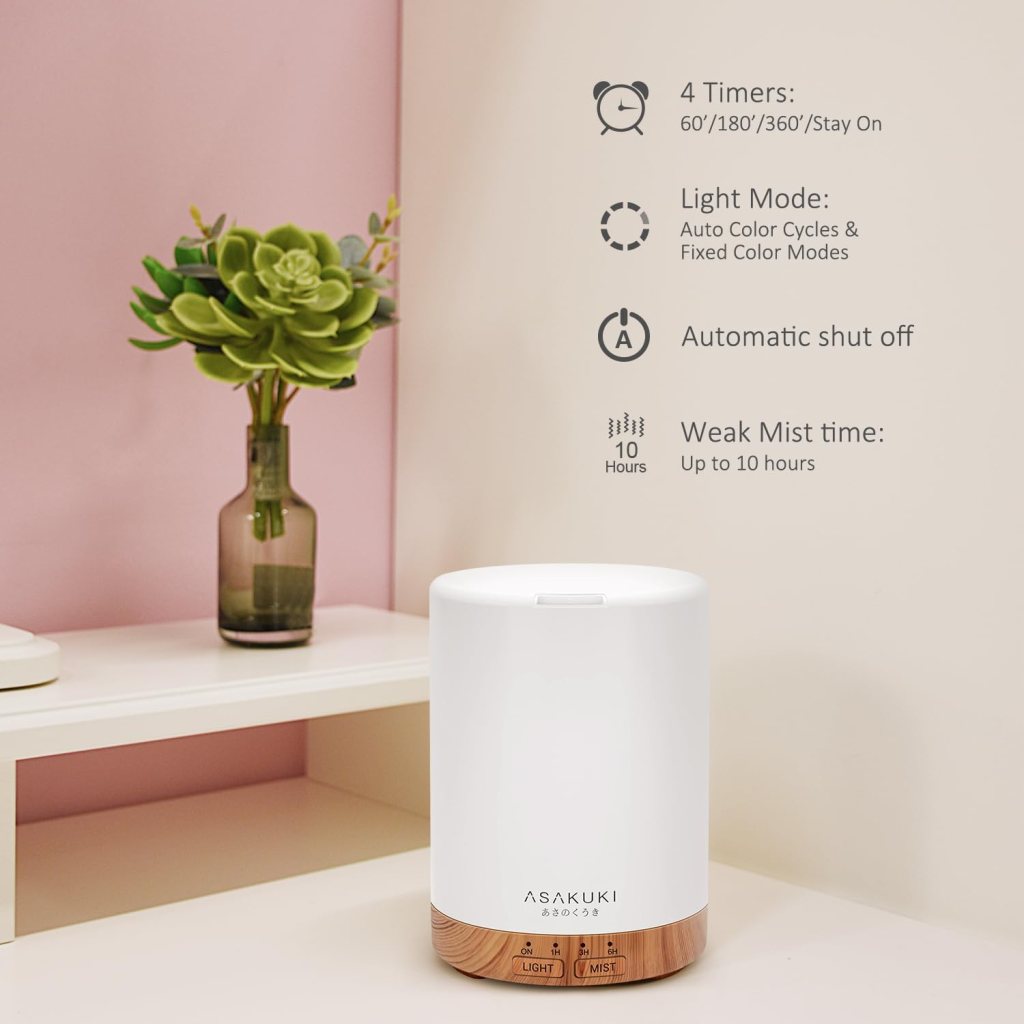
• Aroma diffuser or scented candle: Create a calming atmosphere
• Mini fridge or water cooler: Keep snacks and hydration nearby
• Footrest or balance ball: For better circulation and posture
• Blue light blocking glasses: Protect your eyes during long screen time
Ready to Build Your Dream Home Office?
With the right tools, mindset, and setup, you’ll thrive in your work from home lifestyle. Optimize your space, stay organized, and take breaks when needed.
Work smarter, feel better and make your home office a place you love to be.
You can explore our curated links below and find something that perfectly fits your needs:


 CozyDailyGuide
Leave a comment